 Micah's Malwr Club
05 - Better Emojis 👀
When I had a Mac Mini there was a really nice piece of software I used called, “Rocket”. The way it worked was that you could type “::” and it would prompt an emoji selection window. You could type “::eyes” + ENTER and it would then insert the “👀” emoji where your cursor is. There isn’t really any 1:to:1 option on Linux.
But, I recently came across this post from hspn.in that talks about splatmoji. It works pretty similar, because you can launch the program using shortcuts controlled by your desktop environment. For me, this is KDE on Debian 12.
I created the shortcut by going into Settings > Shortcuts > Custom Shortcuts.
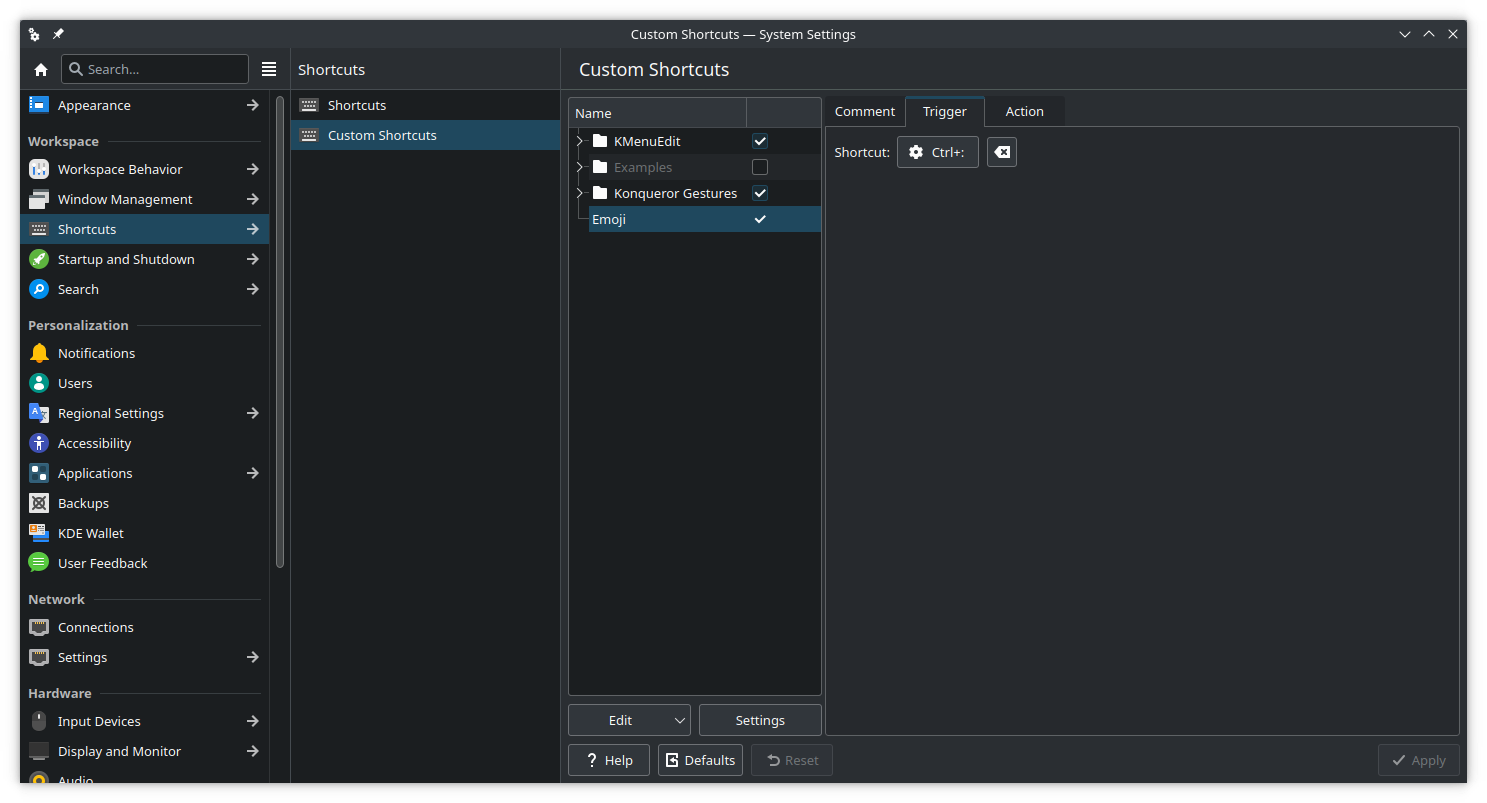 |
Then select Edit > New > Global Shortcut > Command/URL.
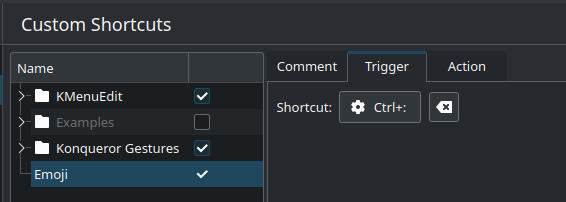
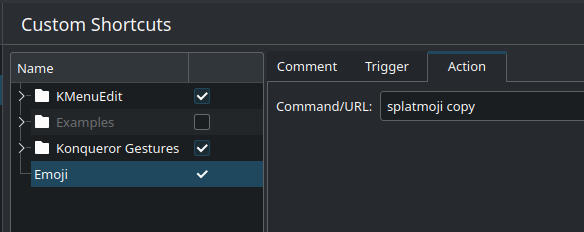
Then add the command to be ran when triggered.
If you followed my example, you can now trigger the emoji selector with CTRL+SHIFT+;.
Installation
If you haven’t installed the program yet, it is pretty easy - just a few commands.
sudo apt-get install xdotool rofi xsel
wget https://github.com/cspeterson/splatmoji/releases/download/v1.2.0/splatmoji_1.2.0_all.deb
sudo dpkg -i splatmoji_1.2.0_all.deb
And you can test the installation by running the cmd…
splatmoji copy
And that’s it! 👀